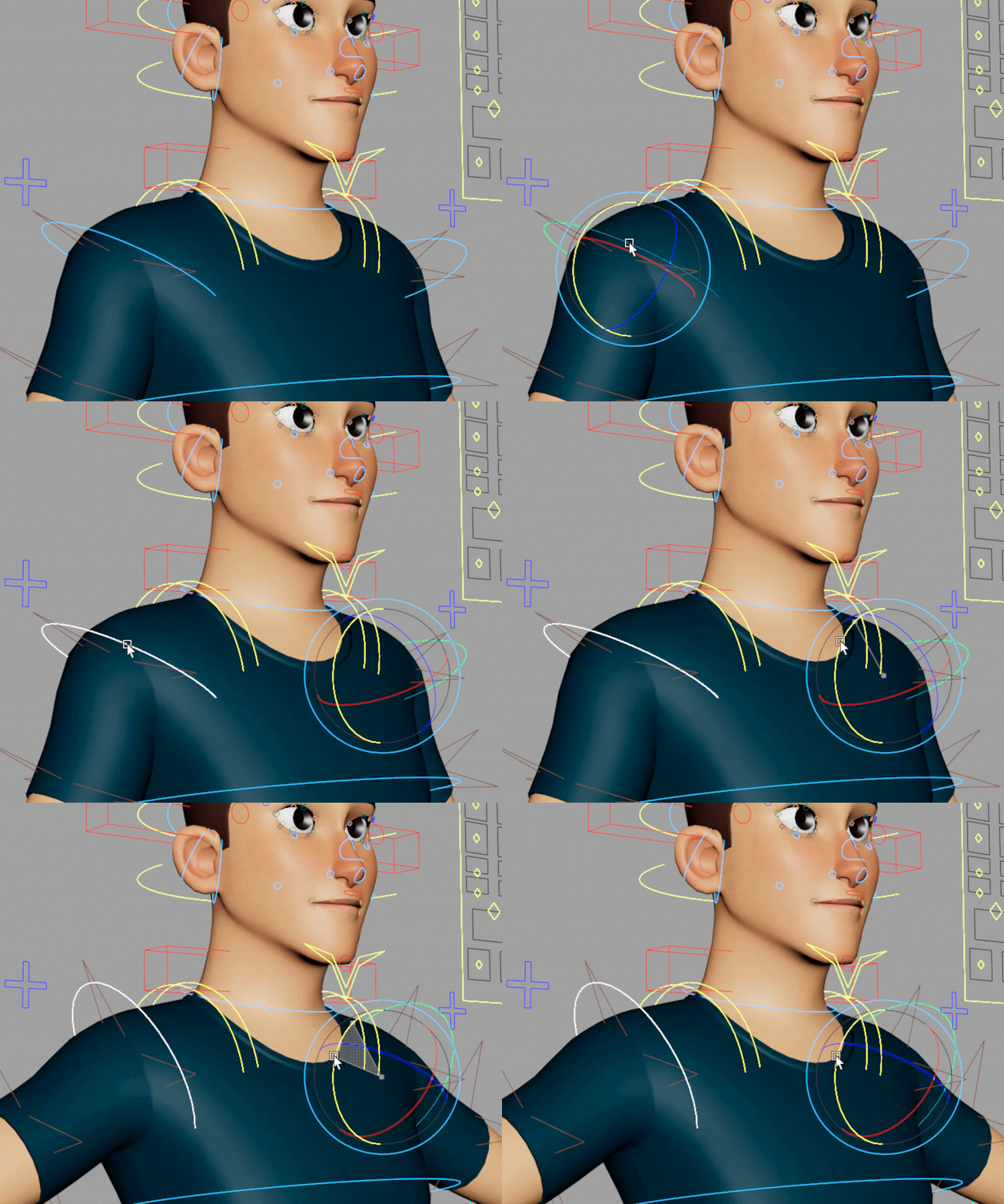
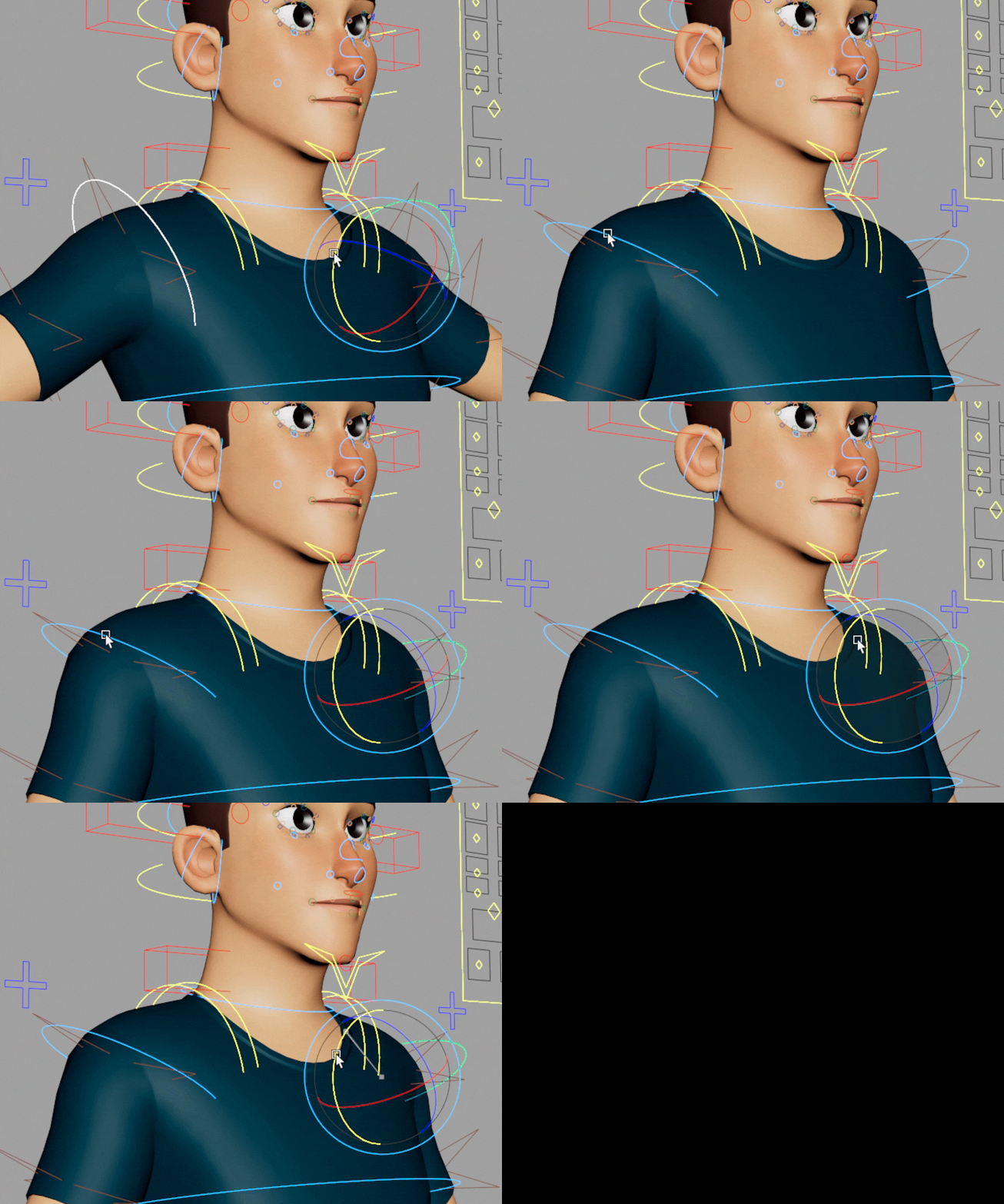
This post is an exhibition of the small scripts that started my journey into becoming more interested in technical art. I was inspired by Aaron Koressel’s article about Maya scripts and keyboard shortcuts, where he mentioned saving an incredible amount of time using these snippets.

Thinking about saving valuable time and getting more comfortable with 3D animation, I realized I could save a lot of time that I would otherwise burn simply by using my mouse or even having my eyes travel from one screen to another.

Thanks to ChatGPT, I started scripting everything I could think of that would save me those small seconds. Thanks to the process I followed back then, I became more and more familiar with Python and MEL, realizing that knowing how to code would allow me to truly break every possible limit.

Now I am proudly presenting what marked my beginning in the world of technical art.

Select Opposite Control

Select Add Opposite Control

Mirror Opposite Pose

Reset Pose to Default

Select Add Ctrl Up/Down

Copy Paste Pose

The main focus I had was finding anything that would enable me to save time and animate faster. Part of what takes a huge amount of time is the fact that my eyes have to travel from one screen to another. I also wanted to keep my interface as clean as possible so I have a lot of room to animate. When I’m not at college, I only have my Wacom Mobile Studio Pro with a 16″ monitor, which makes everything compressed.

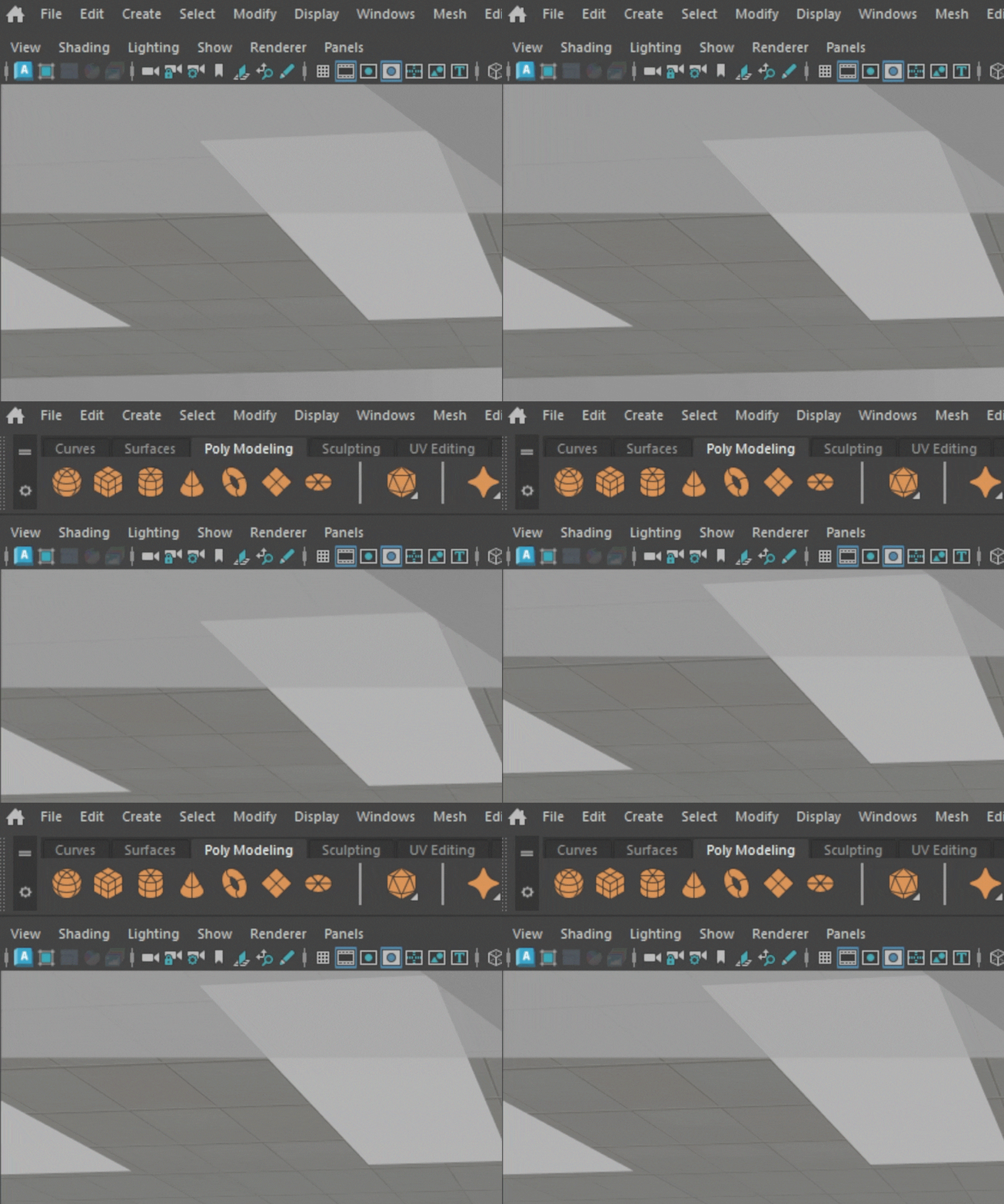
I optimized my workspace by making all the windows that aren’t necessary to have open all the time during the animation process toggleable, leaving me with fewer distractions and more room to work with.

Before/After Image

[bafg id="5115"]

Windows are accessible through a keyboard shortcut that toggles them.

Tween Machine

Shelf Tab

Outliner

Graph Editor

Channel Box

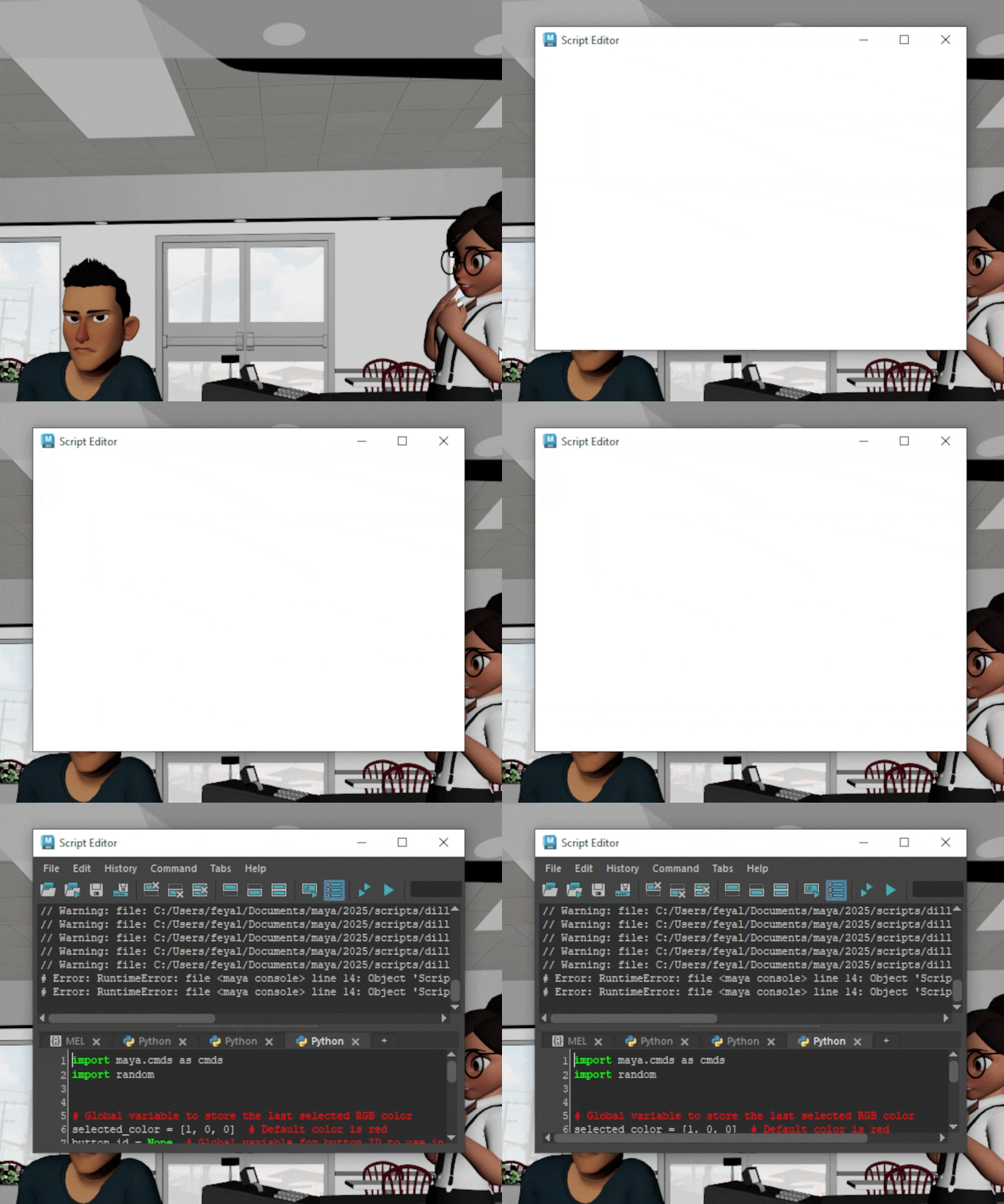
Script Editor

Hypershade

Attribute Editor

Thanks to the mindset I was adopting through this process, I was finding more and more things I wanted to improve in my workflow with coding to make the CG pipeline easier, continuing to develop small tools.

Aside from that, I use a lot of Aaron Koressel’s code snippets as part of my workflow, so I am grateful for the inspiration to save time and for the many useful codes he wrote that I still use to this day.

Interested in reading more? Here’s some posts you might like!